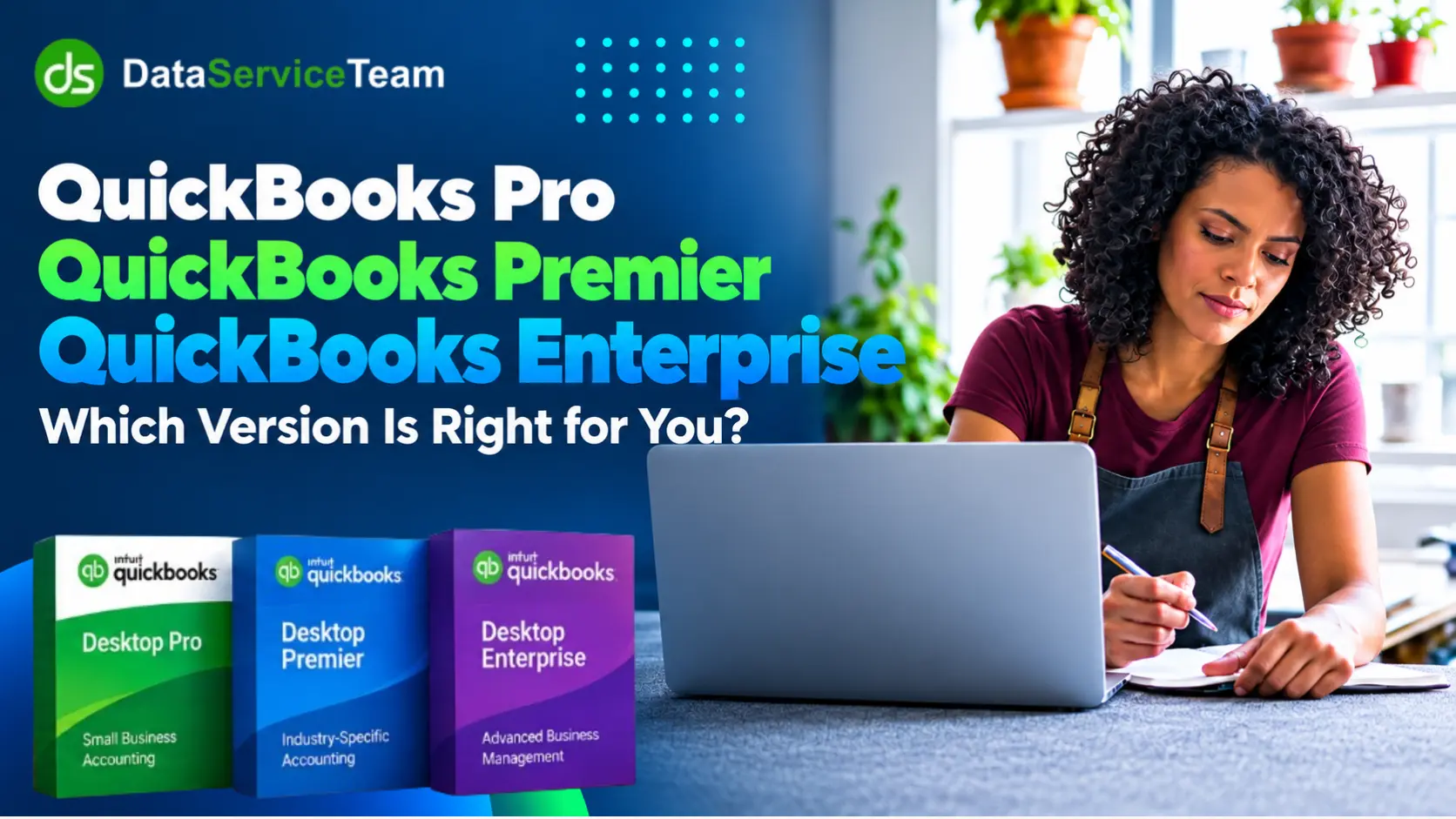
Choosing appropriate accounting software is essential to manage finances, so it is essential to pick the right edition of QuickBooks Desktop. If you are new to the software, learning What is QuickBooks can help you understand its basic accounting capabilities. Due to the availability of various versions, businesses find it hard to recognize which one provides the features and scalability they require. The three most commonly utilized desktop editions are QuickBooks Pro vs Premier vs Enterprise.
Pro Plus and Premier Plus are accessible to current U.S. subscribers. QuickBooks Enterprise remains available for both new and current customers. They share several fundamental features and these editions differ in aspects like cost, advanced capabilities, etc.
The guide below highlights the differences between QuickBooks Pro Plus, Premier Plus, and Enterprise. It will assist you to examine their main distinctions and select the version that best aligns with your business size, sector, and operational needs. For additional product details, you can also review Intuit’s official guide.
When comparing QuickBooks Pro vs Premier vs Enterprise, consider your business size, accounting requirements, reporting needs, inventory needs, and plans for growth.
QuickBooks Desktop Pro is Intuit’s desktop accounting software designed for small businesses that need bookkeeping and financial management tools. It supports all tasks whether it is to track income and expenses, manage invoices, reconcile bank accounts, and generate financial reports.
There is an important current availability consideration: Intuit no longer sells new QuickBooks Desktop Pro Plus subscriptions to U.S. customers. Subscribers can continue to renew under specific terms and receive applicable updates. This proves that Pro version is suitable for small businesses with basic financial needs. Businesses that need remote access can also consider QuickBooks Pro Hosting.
QuickBooks Desktop Premier is an accounting solution tailored for small and medium businesses with reporting and industry features requirement. It offers editions for various industries, whether it is contractors or retail. Premier meets the needs of businesses with moderate accounting requirements and sits between Pro and Enterprise in this QuickBooks Pro vs Premier vs Enterprise comparison.
Intuit has stopped selling new QuickBooks Desktop Premier Plus subscriptions in the U.S. since September 30, 2024. Subscribers can still renew their plans and receive updates. QuickBooks Desktop Enterprise is now primary desktop solution available for businesses looking to purchase accounting software. Businesses that need remote access to QuickBooks Premier can also explore QuickBooks Premier Hosting for working with their Desktop accounting software through a hosted environment.
The Enterprise edition of QuickBooks is an advanced business management solution. It is specially designed to grow businesses that require extra-complex finance and user management capabilities. QuickBooks Desktop Enterprise surpasses QuickBooks Pro and Premier in terms of capacity and performance. This makes it ideal for merchandise businesses like wholesalers and manufacturers.
The software can support 40 users and manage an extensive database of around 1 million customers, vendors, stock items, etc. Users can access features such as advanced inventory management and custom user permissions, making Enterprise the most scalable option in a QuickBooks Pro vs Premier vs Enterprise comparison. Available features can vary by subscription plan. But, this clears that the Enterprise version offers the most scalability among the three. Businesses that need remote access and collaboration can also consider QuickBooks Desktop Enterprise Hosting for their accounting operations.

The key difference between QuickBooks Pro and QuickBooks Premier is that Premier offers additional specialized features on top of core accounting tools by Pro version.
| Comparison Factor | QuickBooks Pro | QuickBooks Premier |
| Best for | Small businesses | Small businesses |
| Accounting | Core bookkeeping, invoice, banking, and reports | Core accounting plus additional specialized tools |
| Industry features | General-purpose | Commercial features and reports |
| Reports | Standard financial reports | More detailed and industry-focused reports |
| Inventory | Track basic inventory | More advanced inventory capabilities |
| Business Complexity | Simple operations | More specialized operations |
| Overall | Simple Choice | More feature-rich option |
| U.S. Availability | New Pro Plus subscriptions are not available for purchase | New Premier Plus subscriptions are not available for purchase |
The main differences lie in scalability, user capacity, inventory features, and advanced business management. Enterprise is tailored for overcomplex and large businesses.
| Comparison Factor | QuickBooks Premier | QuickBooks Enterprise |
| Best for | Small businesses | Growing businesses |
| Accounting | Core accounting + industry-specific tools | Advanced account and business management |
| Industry features | Basic to moderate inventory | Advanced inventory management |
| Reports | Small teams | Up to 40 users based on the subscription |
| Inventory | Standard and industry-specific reports | Advanced and customizable reports |
| Business Complexity | Best for small operations | Designed for business growth |
| Overall | Lower than Enterprise | Up to 1 million customers, vendors, and inventory items based on configuration |
| U.S. Availability | New Premier Plus subscriptions are not available for purchase | Enterprise remains available for purchase |
The Pro version of QuickBooks is suitable for small businesses, while the Enterprise provides advanced features for inventory and scalability for large businesses.
| Comparison Factor | QuickBooks Pro | QuickBooks Enterprise |
| Best for | Small businesses | Growing and complex businesses |
| Accounting | Core accounting and bookkeeping | Advanced account and business management |
| Inventory | Basic inventory tracking | Advanced inventory management |
| Users | Smaller teams | Up to 40 users based on subscription |
| Reporting | Standard reports | Advanced and customizable reports |
| Scalability | Limited compared with Enterprise | Designed for greater business growth |
| Capacity | Lower | Up to 1 million customers, vendors, and inventory items based on configuration |
| Current U.S. status | New Pro Plus subscriptions are not available for purchase | Enterprise remains available for purchase |
Note: If you require advanced reports, inventory tracking, or job cost, then Premier and Enterprise will be a better fit. For businesses using QuickBooks Enterprise with multiple users, access issues can affect daily operations. If users cannot access the company file properly, see our guide on QuickBooks Multi-User Mode Not Working.
QuickBooks Enterprise is the best choice among all QuickBooks Desktop versions for businesses with advanced features and scalability needs, If you prefer cloud-based accounting, you can Migrate from QuickBooks Desktop to Online.
Note: When it comes to selection between QuickBooks Pro vs Premier vs Enterprise, it depends on business size, accounting needs, industry requirements, and plans for growth.
Consider these major factors to choose or upgrade a QuickBooks version:
It is required to make a careful QuickBooks Desktop comparison to choose the perfect version for a business.
Choose between QuickBooks Pro vs Premier vs Enterprise based on the business size, accounting requirements, industry needs, and future growth. As we discussed earlier, Pro is suitable for straightforward accounting, while Premier offers additional specialized features and reporting. Enterprise stands out for large businesses with advanced inventory management requirements. Consider current product choices to make an informed decision as QuickBooks Desktop availability has changed. Review business requirements first to choose the most suitable QuickBooks solution and avoid needless costs.
Need professional help with the right QuickBooks version selection? Contact Data Service Team experts at +1(888)-718-7888 for live guidance. Find the ideal solution to streamline business operations today.
QuickBooks Pro is starter accounting software designed for small businesses to support 3 users with basic income, expense, and invoice tools. Premier is a moderate solution that supports 5 users and commercial features. QuickBooks Enterprise supports 40 users for larger businesses that need multi-user access.
This version of QuickBooks is best for larger businesses due to its capacity for 40 users, six times the data limits, and advanced features. In contrast, QuickBooks Pro is a simple and reasonable option for small businesses with basic accounting needs.
Pro is suitable for general small businesses to track finances for three users. QuickBooks Premier version includes Pro features, commercial tools and supports five users with advanced inventory.
QuickBooks Online Plus is the best choice for most small businesses. This version balances the financial tools and omnichannel cloud access. It supports five users and adds required features to analyze projects with bill payments.
Yes! You need to back up your current company file before installing Enterprise. Keeping a backup also gives you an option to Restore QuickBooks Backup File if you need to recover your company data during the upgrade process.
Indeed! You can move your QuickBooks company file from Pro / Premier to Enterprise. All you need to do is open the file in QuickBooks Desktop Enterprise and follow the prompts on the screen to update and convert it. For more complex company-file transfers, QuickBooks Data Migration Services can provide additional assistance with the migration process.
Yes! All these QuickBooks Desktop versions can be hosted in the cloud. You need to install and run the licensed desktop application on a secure server and do not install the desktop software on a physical local office computer. Then, log in through a remote desktop connection from an internet-connected device. This allows teams to collaborate on the same featured desktop software. If QuickBooks hosting is not working as expected, check whether QuickBooks Hosting Mode is Off and review the hosting configuration before troubleshooting further.
Users can upgrade from Pro / Premier to Enterprise in QuickBooks Desktop. Install the new software and open the data file. This process transfers all fundamental lists and removes the 14,500-name limit. You will get advanced features like support for 30 to 40 users and custom permissions. But you cannot revert the upgraded file back to Pro / Premier.
Yes! This edition of QuickBooks is best to manage various businesses. It allows to track finances for 30 distinct business files. Each user requires a separate license, convenient switch between business profiles and manage separate accounts. It does not consolidate financial reports.
You need to access the business size and user limit to opt for QuickBooks Enterprise edition. It is designed for medium sized businesses to track finances and support up to 40 users at a time. You must consider the annual subscription cost whether you need local access and ensure the hardware meets the requirements. Lastly, confirm that a team is prepared for a more complex accounting system.

Get Free Consultation for QuickBooks Upgrade
(2021, 2022, 2023)


